
Xender Social Media & AI Advanced Features || 2026 ||
If you want to download videos, reels, stories, or status updates from your favourite social media platforms, you no longer need multiple apps or any video downloader. Xender is an all-in-one solution that lets you download everything from social media with ease.
With advanced AI features and social media integration, Xender performs downloads lightning-fast, saving you time and effort. Whether it’s videos, reels, status, or stories, Xender is the ultimate app for social media content downloaders.
We will guide you through three easy steps to get the full benefit of using Xender social media.
Step 1: How to Open Social Media Using Xender
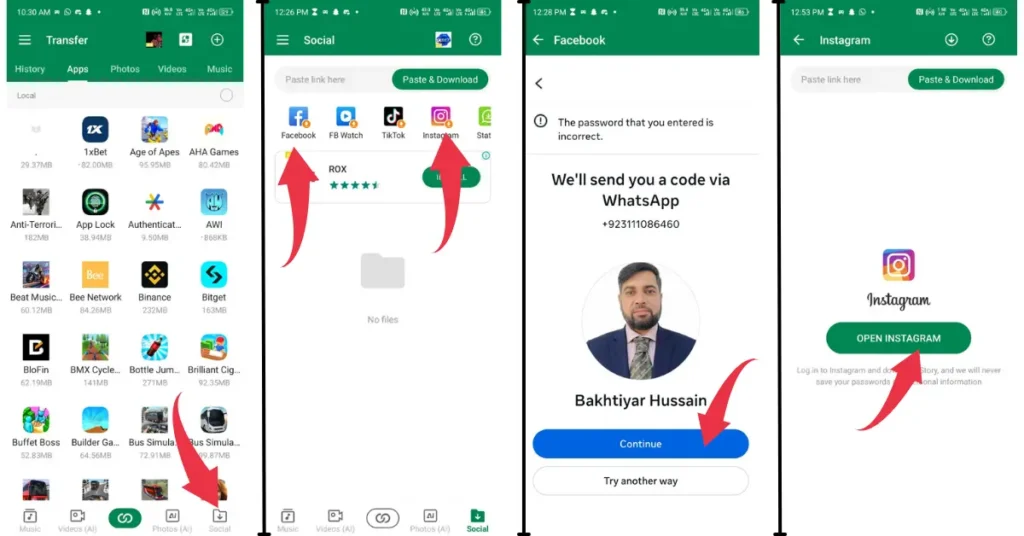
- Open the Xender app on your device.
- Tap the social media download icon at the bottom of the screen.
- Select any social media platform, such as Facebook, Instagram, WhatsApp, X (Twitter), TikTok, or others.
- If it’s your first time, you’ll be asked to log in. Enter your credentials and tap Login and continue.
- You will be redirected to your social media account.
Step 2: How to download social media using Xender
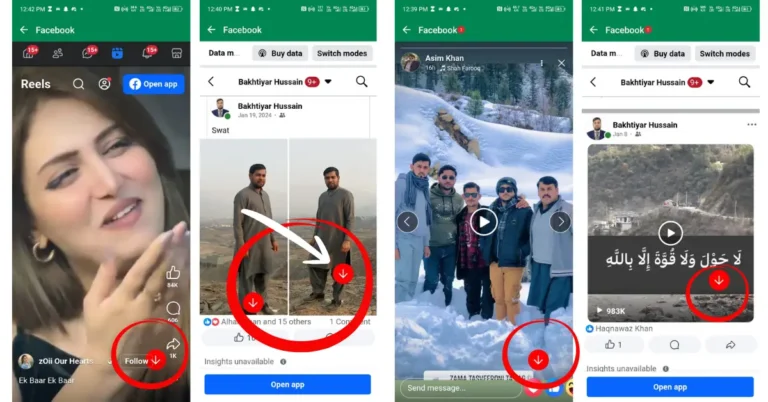
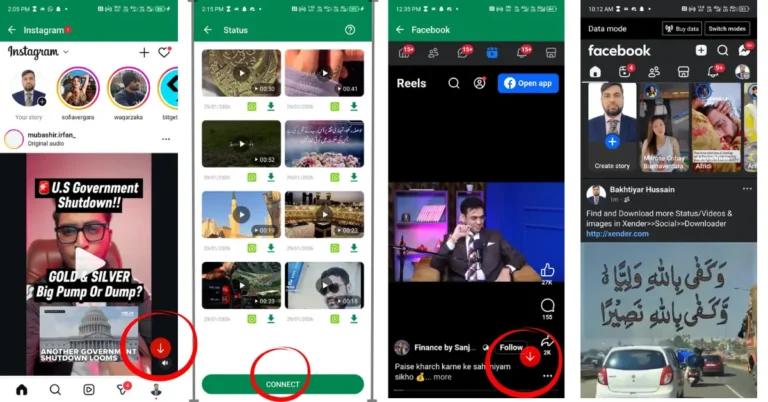
Once redirected to the app interface, you’re ready to download your favourite posts from
- Facebook: You can download stories, images, or videos by tapping the Download button on the post. It will be saved to your device immediately.
- Instagram: Download reels, stories, videos, or photos by tapping the Download icon. Files will be saved automatically on your phone or PC.
- WhatsApp: Watch your WhatsApp friend’s status; it will directly save to your device or Xender gallery.
- X (Twitter) & TikTok: Tap Download on any video, reel, tweet, or post to save it quickly to your device.
With Xender, downloading social media is fast, easy, and all in one place.
Step 3: How to share content using Xender social media feature
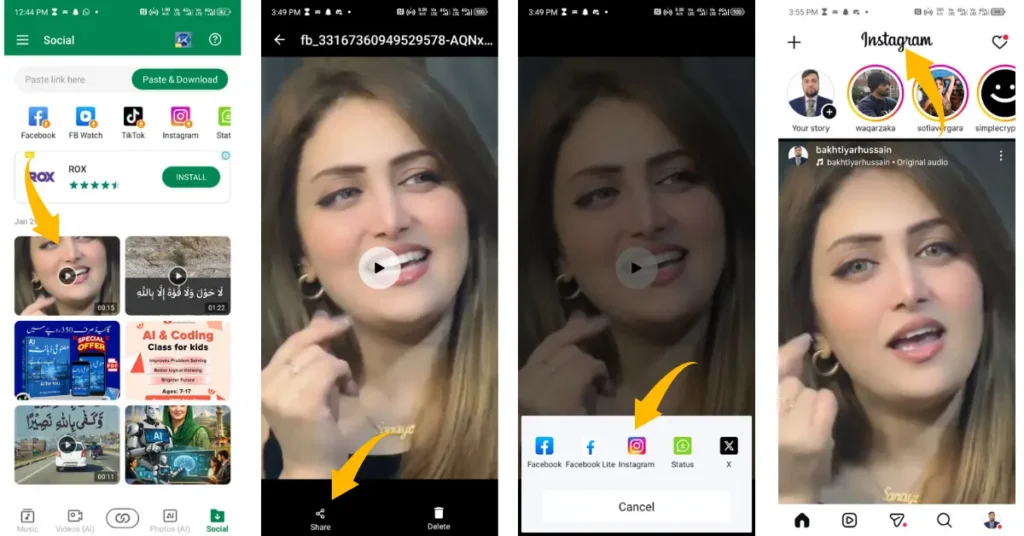
- Open the Xender app on your device.
- Tap the Social Download icon.
- Select the video or image you want to share.
- A Share icon will appear; tap it.
- Choose the social media platform where you want to share the content.
- Tap Next, then Share. The content will be shared instantly.
- You can also send videos or images on WhatsApp to your friends using the same process.
Xender makes sharing social media content fast, easy, and hassle-free. If you want to manage these media files on a larger desktop screen, check out our latest guide on Xender Web Alternative Direct Mode.
With Xender social media feature, you can download documentaries, photos, funny memes, cool videos, reels, stories, WhatsApp status, or tweets in seconds without losing any quality. Similarly, you can instantly share downloaded content or precious memories from your phone or PC, without any delay. For the latest updates and to download the app, visit the Xender APK home page.
Xender AI (Photos)
Xender has recently updated the most advanced feature, “Photo AI.” It helps us to manage our mobile phone galleries more efficiently. To use this feature, connect your phone to your computer. This feature is discussed here with all available options one by one:
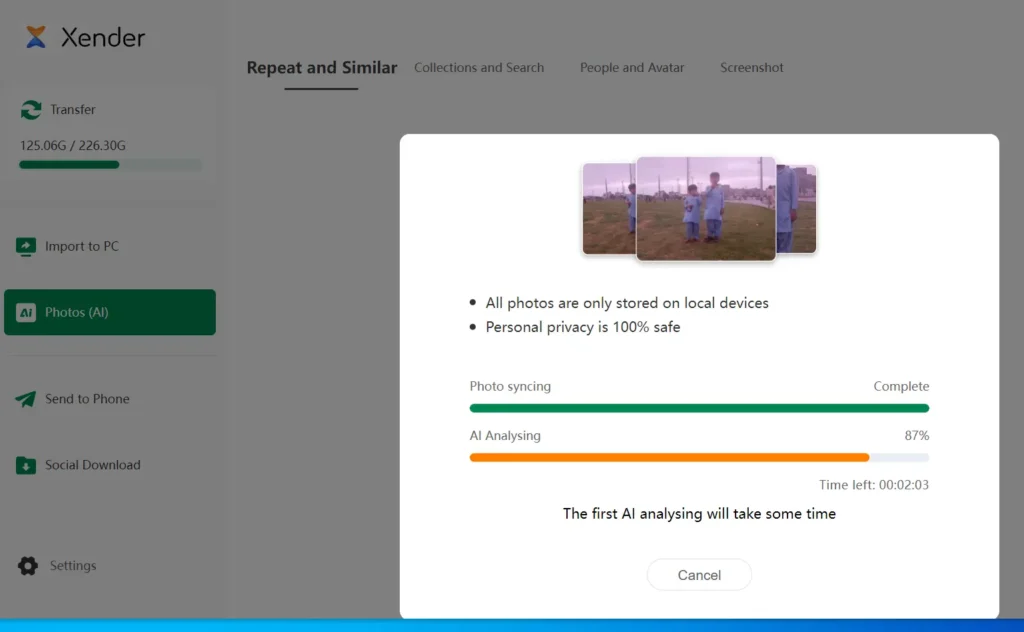
i. Repeat & Similar
This feature uses computer vision to scan your phone. It finds burst photos and duplicates that you don’t need. It helps you decide which photos to keep and which ones to delete. In this way, you can increase your phone storage.
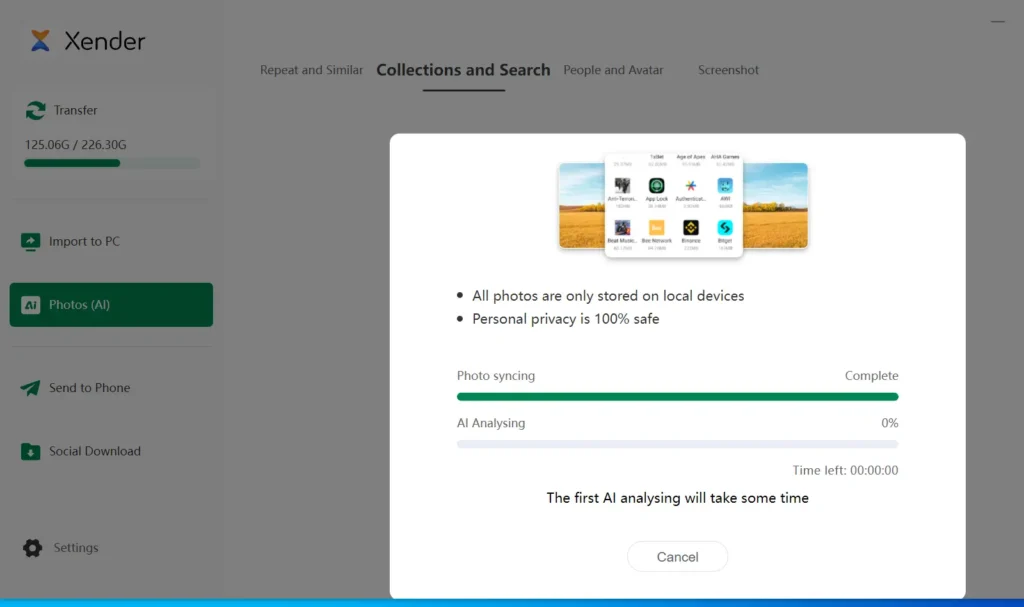
ii. Collections & Search
This option finds exact duplicate photos hidden in different folders on your phone. Whether they are from social media downloads, WhatsApp, or your camera roll, the AI identifies every copy.
You do not need to tag or label every photo manually. The AI does it for you. You can delete all your duplicate images with just one tap and clear several gigabytes of memory space on your phone.
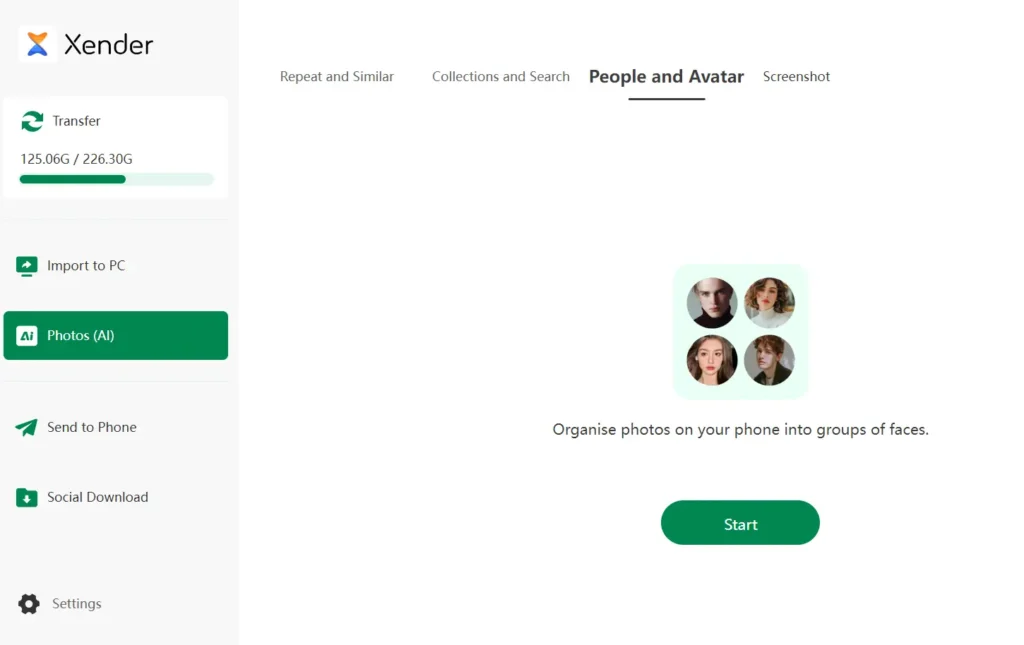
iii. People & Avatar
This Xender AI feature automatically organizes your photos using facial grouping tech. AI scans the faces in your gallery and creates dedicated “People Folders” for you. It makes finding photos of your friends and family very easy.
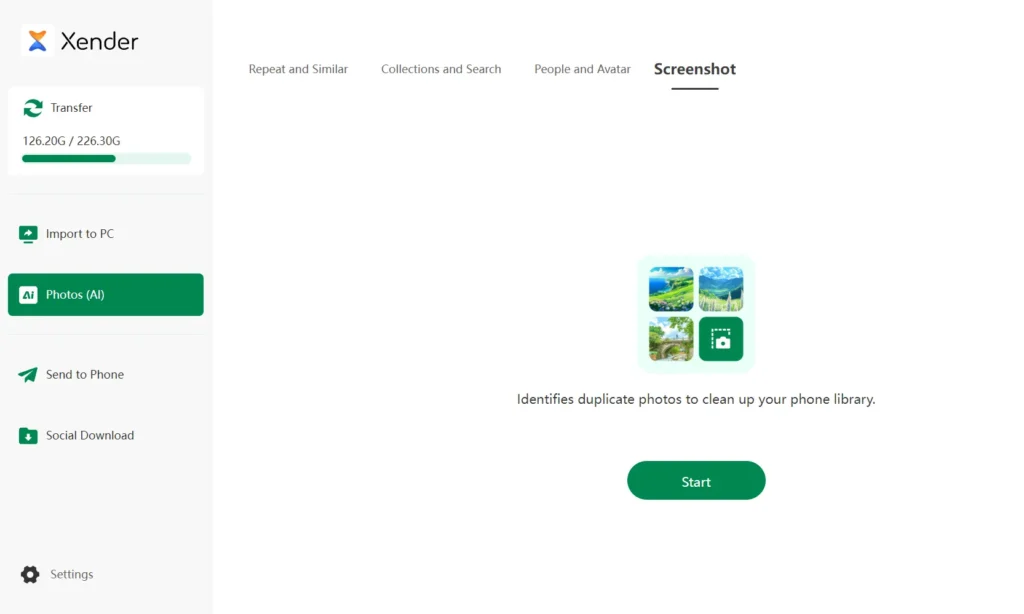
vi. Screenshot
Using advanced text recognition, this AI feature categorizes your screenshots separately from your photography. Now, you can quickly identify and remove outdated QR codes or temporary notes to keep your storage clean.
How to share this downloaded social media with our friends and family? Follow our file transfer guide.