Xender vs Dukto: Which Is the Best Way to Share Files Without Internet?
Have you ever tried sending a large video or a famous game like PUBG to your friend or classmates, and slow internet stopped you from sharing it? It is so annoying when low internet interrupts you from sharing such files and memories.
The good news is that you no longer need the internet to send files. Using apps like Xender and Dukto lets you share heavy files across devices completely offline.
Now, the question is, which one to choose? Which app is truly better for you?
Xender vs Dukto
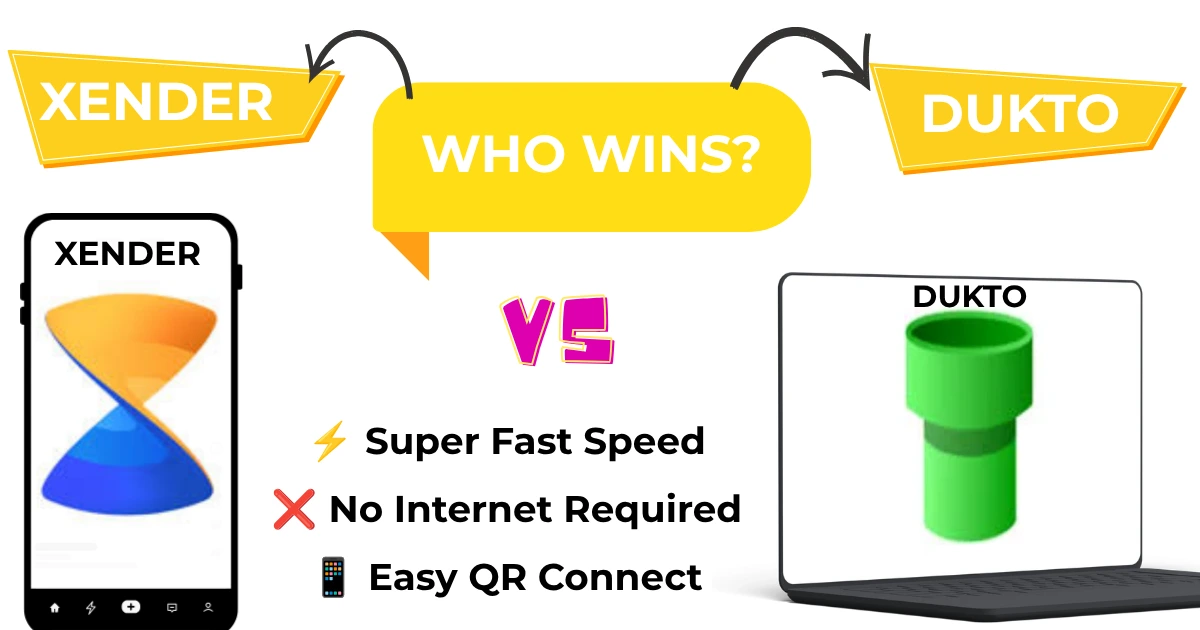
To solve the confusion about which one to use, let us look at this simple Xender vs Dukto guide to find the ultimate winner.
1. Speed: How Fast Can They Transfer Files?
When you want to share large files offline, speed is everything. Nobody wants to sit around for an hour just to share a movie.
- Xender: This app is a speed monster. It creates its own wireless hotspot network. It can easily touch speeds up to 40 MB per second. You can send an entire HD movie to a friend in less than a minute.
- Dukto: Dukto is a bit different. It connects your devices through your local home network. While it works well for small pictures and text notes, it feels slow when handling giant game folders or heavy videos.
Winner: Xender. It is much faster and does not need any local network setup to hit top speeds.
2. Ease of Use: Which One is Simpler?
Both tools are mainly made to help you share data, but they look and feel very different.
- Xender: Xender looks bright and modern. To connect two phones, all you have to do is scan a QR code. It is incredibly simple. However, the free version does show quite a few ads, which can sometimes pop up and slow you down.
- Dukto: Dukto is as plain as a blank notebook. It has an ultra-simple look with zero ads. You do not need to log in, make an account, or look at commercial banners. You just open the app, click the device, and drop the file.
3. Device Support: Can They Connect Phones and Laptops?
As we know, everyone wants the best file sharing app that works on every device you own. Let us see how these two match up.
| Feature | Xender | Dukto |
| Android Support | Yes | Yes (Older versions) |
| iPhone (iOS) Support | Yes | No |
| Windows PC Support | Yes | Yes |
| Mac Support | Yes | Yes |
| No Internet Needed | Yes | Yes |
As you can see, Xender connects everything. It easily links Android, iPhone, Windows, and Mac.
Dukto works beautifully on computers, but it lacks proper updates for newer iPhones and mobile software. It is mostly a tool to transfer files from phone to PC if you are on the same home network.
4. Extra Features: What Else Can They Do?
- Xender is like a Swiss Army knife. It is not just for file sharing. It has a built-in music player, a video player, and a file manager. You can even use it to save social media videos or convert video files into MP3 music tracks.
- Dukto is like a simple hammer. It does one job: it sends files and text notes. It does not have a video player, it cannot save status videos, and it has no extra buttons.
Final Verdict: Who Wins the Battle?
Choosing the winner between Xender vs Dukto depends on what you need most:
- Choose Xender if: You want to share large files offline quickly, you use an iPhone or Android, and you love fast QR-code connections. It is the best all-around tool for daily life.
- Choose Dukto if: You hate ads, you only want to send small files between computers at home, and you want a totally clean, distraction-free screen.
For most students and daily users, Xender wins because it is faster, handles everything, and works anywhere without wires.
FAQs
Is Dukto still getting new updates?
No. Dukto is an older, classic tool that is no longer actively updated by its original developers. While it still works great for simple computer-to-computer transfers on a local home network, it struggles to support newer mobile phone operating systems.
What is the main speed difference between Xender and Dukto?
Xender uses a direct connection technology that allows it to reach speeds up to 40 MB per second, making it ideal for massive files. Dukto relies entirely on your local Wi-Fi router’s speed, which is usually slower when transferring large folders or HD movies.
Why does Dukto have no ads while Xender does?
Dukto was built as a minimalist, open-source project designed purely for straightforward utility, so it contains zero ads. Xender is a commercial, feature-rich application that includes extra tools like media players and status savers, which are supported by built-in advertisements.
Is Xender faster than Dukto?
Yes, in most cases Xender is faster than Dukto. Xender provides faster transfers, especially when sending large files between mobile devices.
Can Dukto transfer files between phones?
Yes, but it has limited mobile support compared to Xender. It almost works on old devices.
Which app is easier for beginners?
Both apps are simple, but Xender offers a more user-friendly interface for new users.